Web App Security Audit for an AI-Built App: What to Check
How to run a web app security audit on an AI-built app: four focused checks on data rules, keys, Stripe payments and backups, plus what a useful report includes.
On this page · 8 sections
Key takeaways
- Four checks cover most of the risk before real users arrive: data access rules, exposed keys, payment confirmation and backups.
- Generic scanners miss business logic such as Stripe webhooks and duplicate orders.
- You own your app’s behavior (who reads what, keys, payments, backups); the platform secures its own infrastructure.
- Fix the existing code first. A rewrite is rarely the first step.
- The cost of fixing grows once real users and payments exist, so audit before launch, not after.
A web app security audit for an AI-built app is a structured review of who can read and change which data, where your secrets live, how payments are confirmed and whether you can recover from a bad day. For most apps made with Lovable, Bolt, Base44 or Supabase, a few focused checks find most of the risk, and you do not need a months-long engagement to start.
I am a Brazilian engineer with seven years on production systems, so I may be biased toward Brazil, but the pattern I see is consistent: the problems are rarely exotic. They sit in data rules, keys in the browser and payment logic. This guide shows how to run that review, what to demand from the result and when to do it.
What does a web app security audit cover?
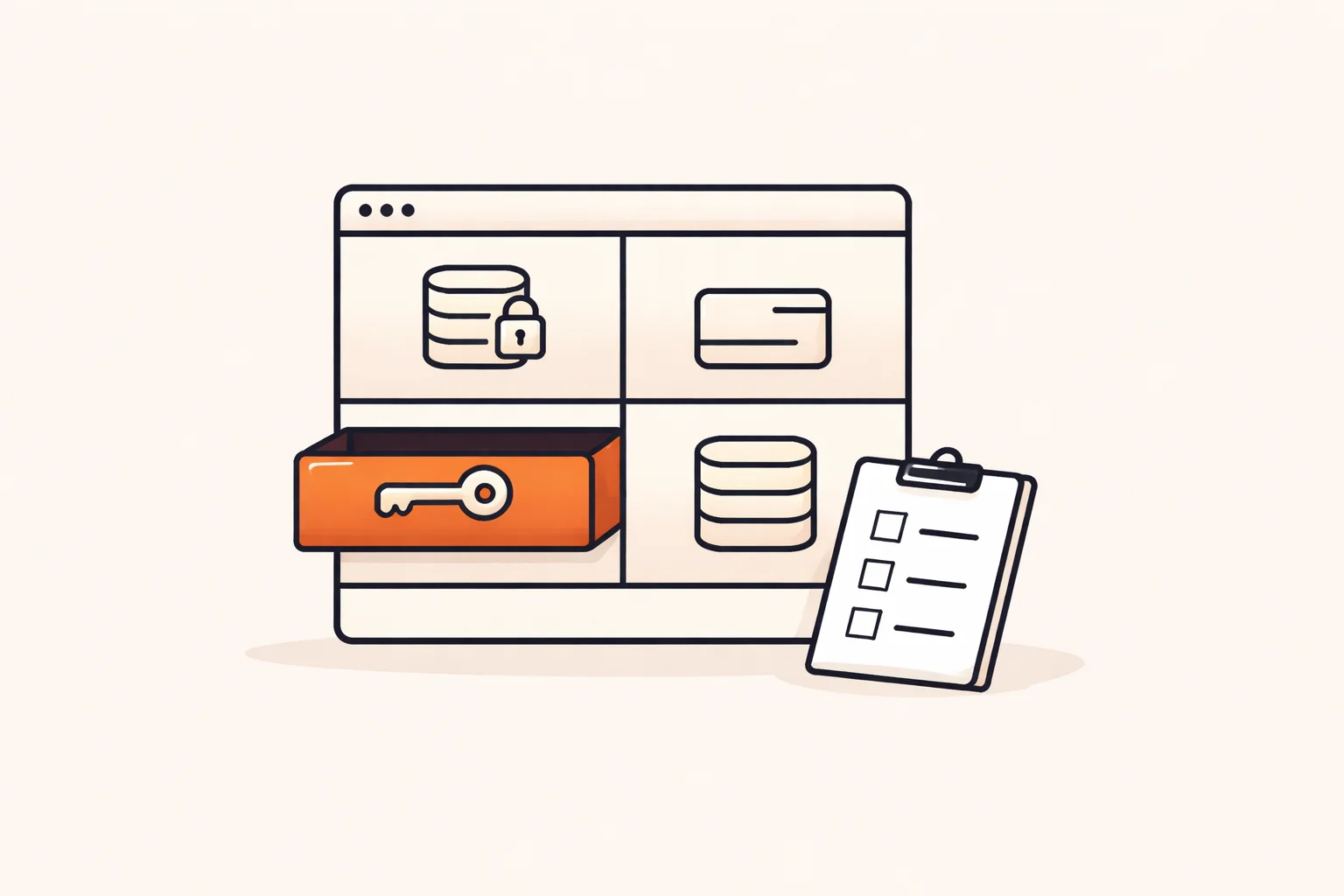
A proper audit looks at the application you built, not just the servers under it. For an AI-built app, I group it into five areas:
- Authentication and sessions: sign-up, login, password reset, and whether private apps are really private.
- Authorization: can user A read or edit user B’s records by changing an ID?
- Secrets and keys: what ships to the browser, what sits in the repository, what can be rotated.
- Payments and business logic: how an order becomes paid, and what happens on retries or duplicates.
- Resilience: backups, restore tests, logging and basic performance under load.
The shared responsibility model matters here. The builder secures its infrastructure and accounts. You are responsible for who can read which data and for your users’ data. In July 2025, Wiz researchers found that Base44, owned by Wix, let an attacker register on apps meant to be private using only the app’s ID. It was fixed within a day. The platform fixed its part, but nobody else could verify your app’s own rules for you.
Do I need a full audit or a few focused checks?
Early on, focused checks. Most of the risk is found by a few targeted reviews rather than a full audit, and the cost of fixing grows after real users and payments arrive. That is the argument for doing the small version early.
When focused checks are enough
- You have not launched, or have a handful of test users.
- You store ordinary account data, not health or financial records.
- Payments go through Stripe Checkout, not custom card handling.
When to go deeper
- You handle sensitive personal data or operate in a regulated area. Talk to a lawyer about your obligations; this article is not legal advice.
- Enterprise customers ask for a security questionnaire or a third-party report.
- The app has multi-tenant data, roles and admin panels with complex rules.
A full audit also makes sense after the focused checks, once the obvious holes are closed. Paying for a deep review of an app with open data tables wastes the budget on findings you could have seen in an afternoon.
What do automated scanners miss?
Scanners are useful and cheap. They catch outdated libraries, missing security headers, open ports and some injection patterns. Run one. But they test what they can see from outside, and they do not understand what your app is supposed to do.
They miss business logic. A scanner will not know that:
- A Stripe webhook handler accepts any POST without verifying the signature, so anyone can mark an order as paid.
- The same event arriving twice creates two orders or grants credits twice.
- A user can change a price or quantity in the request and the server trusts it.
- A discount code can be reused without limit.
- An admin route is hidden in the interface but not protected on the server.
This is also why asking the AI builder to fix its own output is not a substitute. The data rules, keys and payment paths are exactly what these tools tend to get wrong, and the same model that wrote them may not catch its own mistakes. An independent human reading the flows, with the scanner as a helper, finds more.
How do I review data access rules and keys?
Apps built with Lovable have shown a pattern of weak Supabase row-level security (RLS) rules. Start there.
Data access rules
- List every table. For each one, confirm RLS is enabled.
- Read each policy in plain language. A policy that effectively says “any authenticated user can read all rows” is a leak.
- Test with two real accounts. Log in as user A, then try to fetch user B’s records through the API directly, not through the UI.
- Test while logged out. Anonymous requests should return nothing private.
- Check storage buckets for the same rules as tables.
- Check that write policies are as strict as read policies, including updates and deletes.
Exposed keys
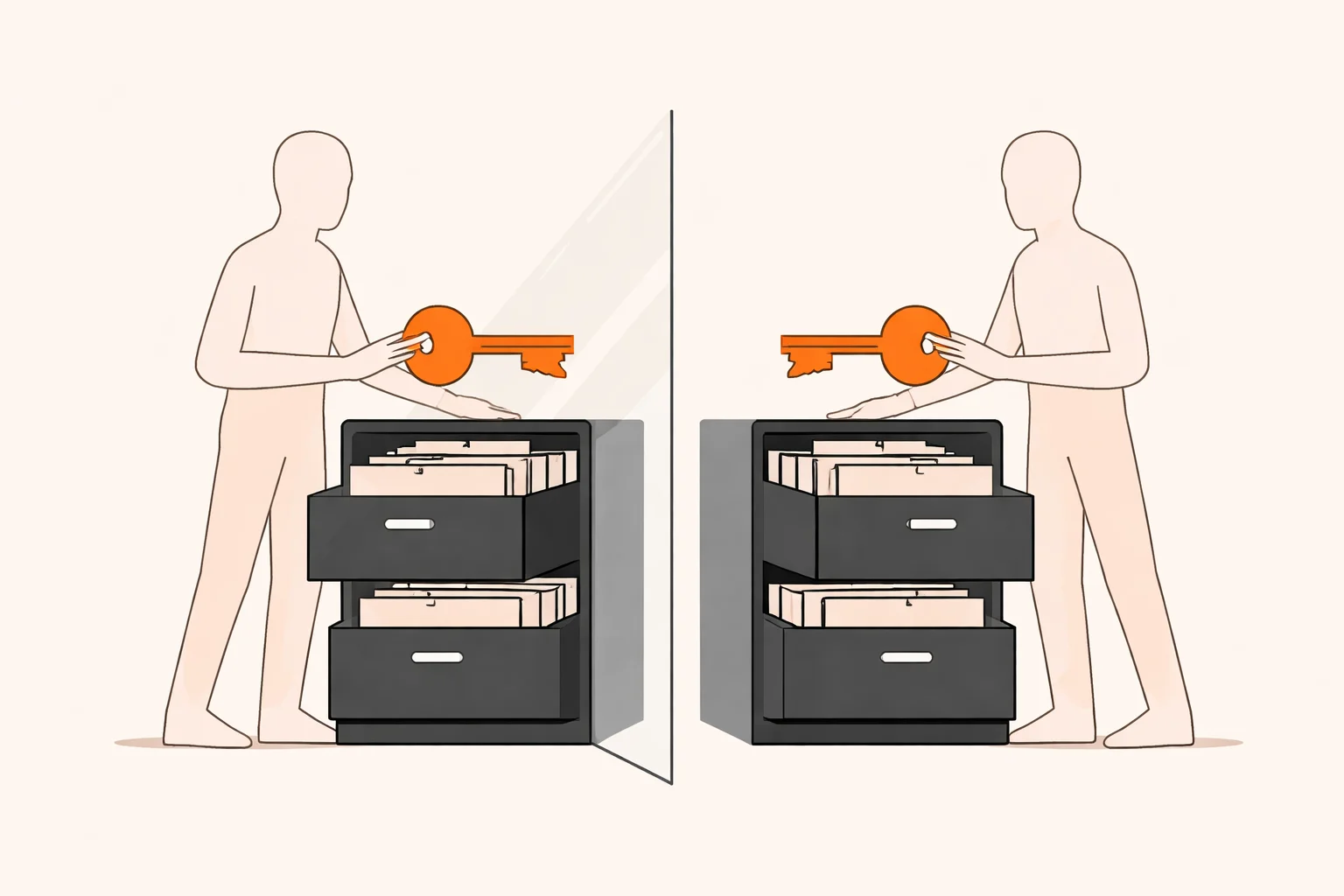
Some keys are meant to be public, such as a Supabase anon key, and are safe only when RLS is correct. Others must never reach the browser: service role keys, Stripe secret keys, webhook secrets and third-party API keys.
- Open the browser’s network tab and view the built JavaScript. Search for the names of your secret keys.
- Search the GitHub repository and its history, not just the current files.
- Move secrets to server-side environment variables or edge functions.
- If a secret was ever exposed, rotate it. Deleting it from the code does not un-leak it.
How do I review payment and business logic?
The rule is simple: the browser never decides that someone has paid. Only a verified message from Stripe to your server does.
- Find the source of truth. Does the app unlock access when the user lands on a success page, or when a webhook confirms payment? It should be the webhook.
- Verify signatures. The handler must check the Stripe signature using your webhook secret and reject anything else.
- Make handlers idempotent. Store the event ID and ignore repeats, so retries do not create duplicate orders.
- Handle the unhappy events. Failed payments, refunds, disputes and canceled subscriptions should change access, not be ignored.
- Compute prices on the server. Never accept an amount from the client.
- Test in Stripe test mode. Replay events, send them twice, send them out of order.
Beyond payments, walk the main user journeys as an attacker would: skip steps, repeat steps, change IDs, use someone else’s link. Business logic bugs live in those gaps.
Backups
The fourth check is boring and vital. Confirm automatic backups are on, know the retention period and do one restore into a separate environment. A backup you never restored is a hope, not a backup.
What should the audit report give me?
A useful report is something you can act on the same week. Expect:
- Findings ranked by severity, with a plain explanation of what an attacker could do.
- Evidence: the table, route or request that shows the issue, so your developer can reproduce it.
- A specific fix for each item, not just “improve security.”
- What was not checked. Honest scope limits matter more than a clean-looking score.
- A retest step after fixes, to confirm they work.
Be wary of reports that are mostly scanner output pasted into a PDF, or that promise the app is “fully secure.” No audit can promise that. It reduces risk and shows where the remaining risk sits.
When should I schedule the audit?
Before real users and before live payments. That is the cheapest moment, because there is little data to protect, nothing to migrate and no customers to notify if something went wrong.
- Before launch: run the four checks.
- Before switching Stripe to live mode: re-check the payment flow end to end.
- After major changes: new roles, new tables, a new integration, or a move off the builder to GitHub and your own hosting.
- Periodically: AI tools keep changing the code, so a new prompt can alter a data rule without you noticing.
Staying on the builder is sometimes the right call. If the app is simple, the data is low risk and the platform’s controls fit, you may only need the focused checks, not a migration. Moving to your own hosting is possible with code built in Lovable, but it adds responsibilities you then own.
Want a second opinion?
If you are about to launch an AI-built app, email me@filipeeduardo.dev with a description of your setup, and I’m glad to tell you what I’d check first.
Frequently asked questions
How long does a web app security audit take?
The four focused checks on a small app are often a matter of days, as a rule of thumb from my experience, not a fixed quote. Larger apps with many roles and integrations take longer.
Can I just run a scanner and call it done?
No. Scanners help with known vulnerabilities and headers, but they miss business logic like unverified Stripe webhooks, duplicate orders and data rules that let users read each other’s rows.
Can the AI builder audit its own app?
It can point out some issues, and that is a fair first pass. But it tends to be weakest on exactly the areas that matter, so treat its output as a draft and have a person verify with real test accounts.
Do I need to rewrite the app if the audit finds problems?
Usually not. Fix the highest-risk issues in the existing code first. Consider a rewrite only if the structure makes safe fixes impractical.
Who is responsible if my users’ data leaks?
The platform secures its infrastructure and accounts, but you are responsible for who can read which data in your app. For legal duties, such as breach notification, ask a lawyer.