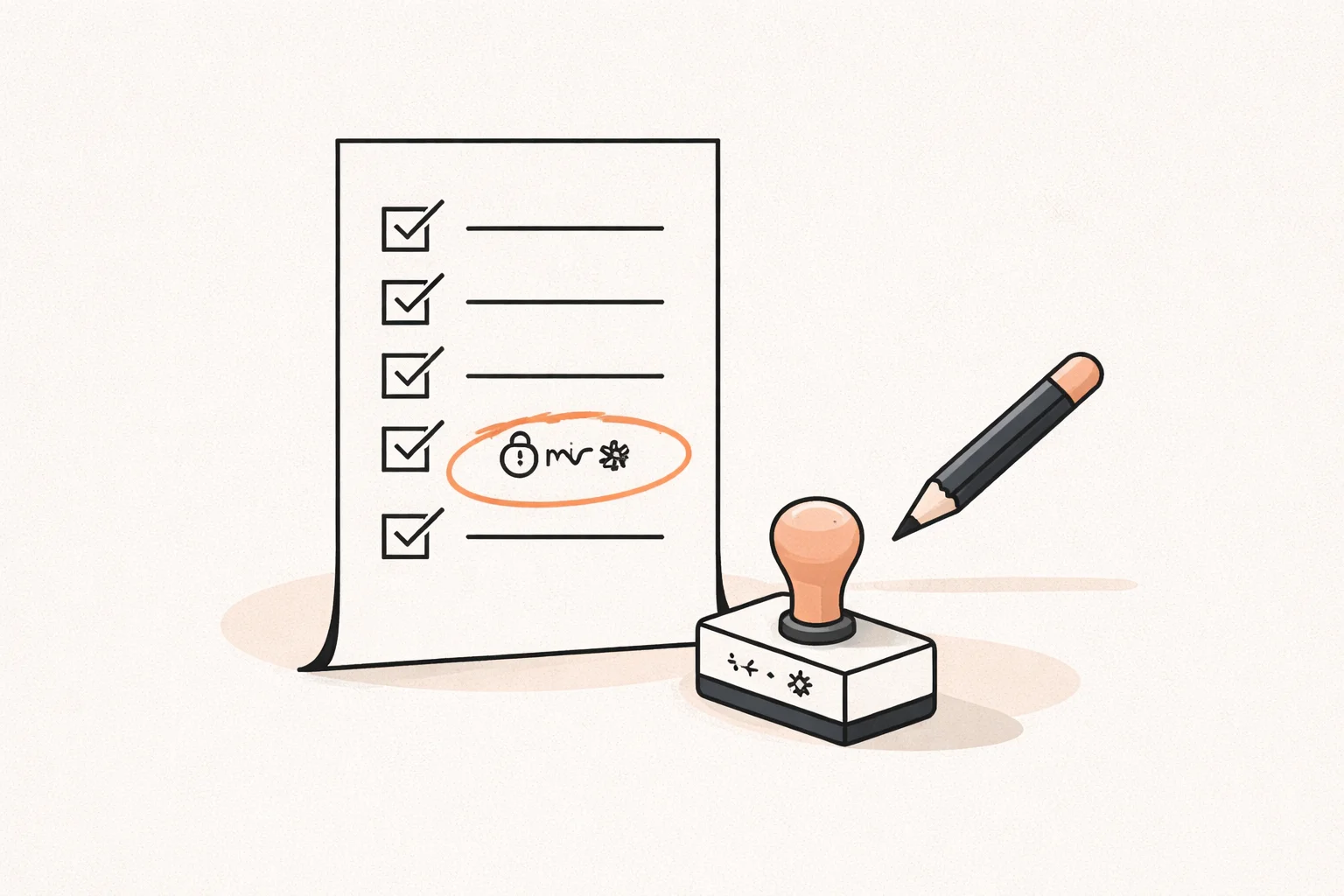
Vibe Coded App: What Happens When Real Users Arrive
What breaks in a vibe coded app when real users and payments arrive: data rules, exposed keys, Stripe webhooks, backups, and when to fix versus rewrite.

On this page · 7 sections
Key takeaways
- Treat AI-generated code as a first draft: fix the existing code before you consider a rewrite.
- The first failures are usually data access rules, exposed keys, payment confirmation and missing backups, not visual bugs.
- Small changes break other features when there are no tests, no structure and logic duplicated across files.
- Fix the highest-risk issues first, then add structure so a developer can work in the code safely.
- Bring in a human engineer before payments and sensitive data are live, not after the first incident.
A vibe coded app is an app built mostly by prompting an AI tool and accepting what it generates. It can look finished and still behave badly once strangers use it, pay for it and push it in ways you never tested.
This article covers what tends to break when real users arrive, why the code gets fragile, and how to decide between fixing and rewriting. I am a Brazilian senior engineer, and this is what I look for when I read these codebases.
What is a vibe coded app?
It is software where the person describing the feature, not a developer reading every line, drives the build. Tools like Lovable, Bolt and Base44, often paired with Supabase, produce a working front end, a database and some logic from prompts.
That is genuinely useful for prototypes and early validation. The issue is that the tool optimizes for something that works on the happy path. Nobody has reviewed edge cases, permissions or failure modes unless you did.
It also helps to know who is responsible for what. The builder secures its own infrastructure and accounts. You, as the app owner, are responsible for who can read which data, for keys in the browser, for confirming payments and for backups.
What usually breaks first with real users?
In my experience it is rarely the interface. Four checks cover most of the risk before real users arrive.
1. Data access rules
Apps built with Lovable have shown a pattern of weak Supabase row-level security (RLS) rules. If the rules are missing or too loose, one logged-in user may be able to read or edit another user’s records just by changing a request. It works perfectly in your own testing because you only ever see your own data.
A related public example: in July 2025, Wiz researchers found that Base44, the builder owned by Wix, let an attacker register on apps meant to be private using only the app’s ID. It was fixed within a day, but it shows why access control deserves your own attention.
2. Exposed keys
Secret keys placed in front-end code are visible to anyone who opens the browser tools. Anything that must stay secret belongs on a server, not in the client bundle.
3. Payment confirmation
A common pattern is trusting the browser’s redirect after checkout as proof of payment. The reliable source is a verified Stripe webhook on your server. Without it you get paid orders that never activate, or activated orders that were never paid, and duplicate events can create duplicate orders.
4. Backups
Ask whether you can restore your database to yesterday, and whether you have ever tried. Many founders find out the answer during an incident.
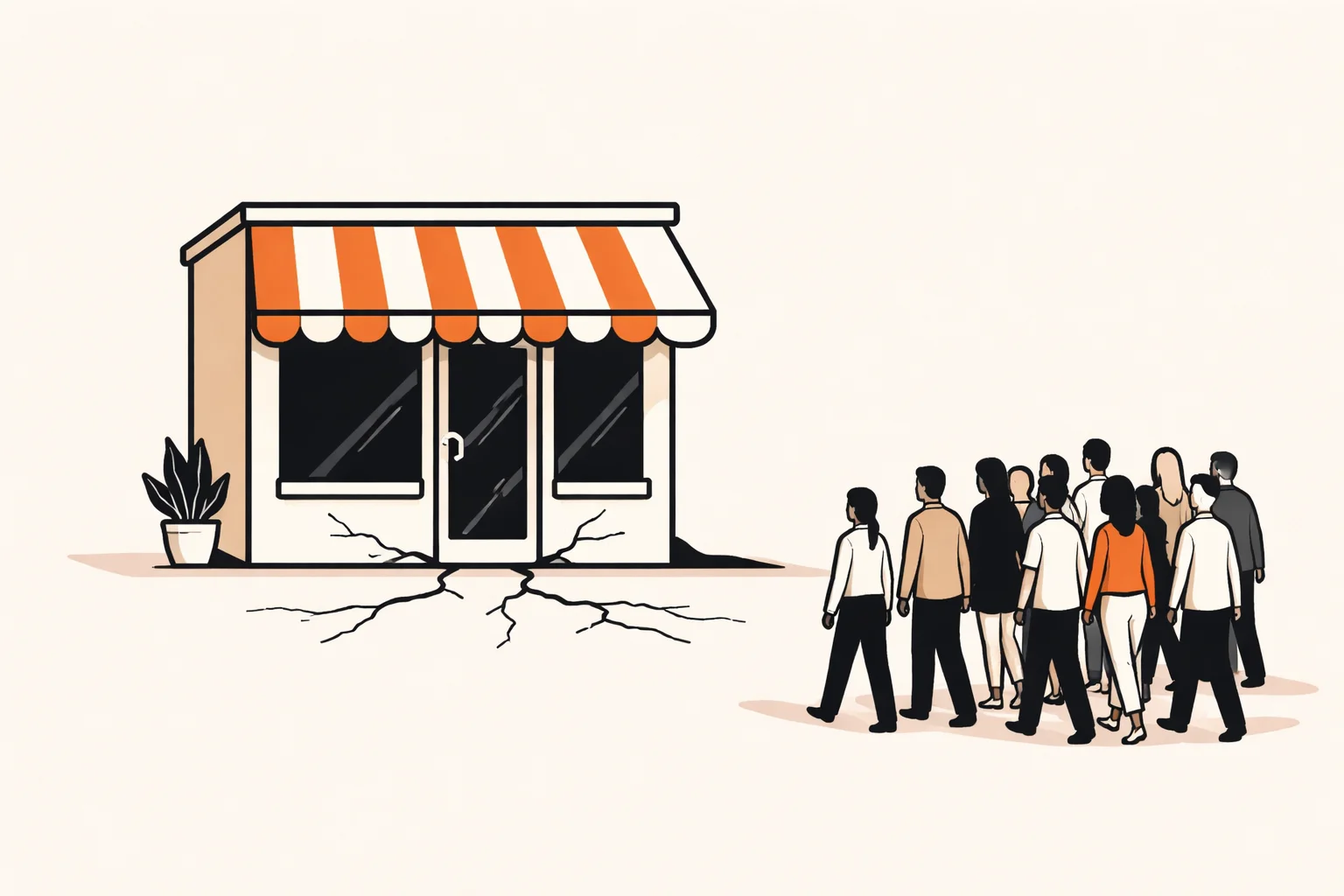
Performance is the fifth, quieter problem. Queries that fetch everything and filter in the browser feel fast with ten rows and slow with ten thousand.
Why do small changes start breaking other features?
This is the symptom founders describe most: you ask the AI to adjust one thing and something unrelated stops working. There are usually a few causes.
- No tests. Nothing tells you a change broke an existing flow until a user finds it.
- Duplicated logic. The same rule, such as a price calculation, is copied into several components. You fix one copy and the others stay wrong.
- Tangled files. Large components mix display, data fetching and business rules, so any edit touches all three.
- Context drift. The AI sees only part of the project each time, so it may add a new helper instead of reusing the existing one, or rewrite code it does not know is relied on elsewhere.
None of this means the tool is bad. It means the code has no safety net, and every prompt is a gamble on a system nobody fully understands.
Should I fix the vibe-coded app or rewrite it?
Start from the rule I follow: AI-generated code is a first draft. A draft is worth editing before you throw it away. Fixing the highest-risk issues in the existing code comes before any rewrite.
A rewrite throws away behavior that already works, including small decisions you have forgotten and users depend on. It also takes longer than it looks and delays everything else.
| Situation | Usual better call |
|---|---|
| Works, but RLS, keys or payments are weak | Fix in place |
| Messy but structured enough to read | Fix and refactor gradually |
| Data model is fundamentally wrong for the product | Consider a targeted rewrite of that part |
| Few users, still validating the idea | Stay on the builder and keep iterating |
Staying on the builder is sometimes the right choice, especially while you are still testing demand and not handling sensitive data or payments. Leave when you need control, not because of a vague feeling that real products live elsewhere.
I have seen the larger-scale case too. I led the full migration of a live automatic job-application platform from a legacy stack to a new one while users kept using it. The lesson I took from it is to avoid stopping everything to rebuild. The same incremental thinking applies to a vibe coded app.

How do I make the code maintainable by a developer?
The goal is that a new engineer can open the repository, run it and change it without fear. A practical order:
- Move the code to GitHub. Code built in Lovable can be moved to GitHub and to your own hosting, which gives you history, branches and ownership.
- Separate environments. Keep development and production apart, with secrets in environment variables, never in the repository.
- Fix the four risks. Tighten data rules, move secrets server-side, confirm payments through verified webhooks, set up tested backups.
- Add tests where money and permissions live. Checkout, sign-up and access control first. Skip chasing full coverage.
- Consolidate duplicated logic. Put business rules in one place and reuse them.
- Write a short README. How to run it, where it is deployed, what each service does.
Asking the AI builder to do all this is not enough on its own. Data rules, keys and payment paths are exactly what these tools tend to get wrong, and a generic security scanner also misses business logic like Stripe webhook handling and duplicate orders. A human has to read those paths.
When should a human engineer take over?
My rule of thumb, which is an estimate and not a hard line, is to involve an engineer before any of these happen:
- You start charging real money.
- You store personal or sensitive data from real people.
- Each fix by prompt causes a new regression.
- You cannot explain where your data lives or how to restore it.
- A customer or investor asks about security or due diligence.
Most of the risk is found by a few focused checks, not a full audit, and the cost of fixing grows once users and payments are live. A short review early is usually cheaper than an incident later.
Want a second opinion on your app?
If you have a vibe coded app approaching real users, email me@filipeeduardo.dev with the link and a line about what it does, and I will tell you what I would check first.
Frequently asked questions
Is a vibe coded app safe to launch?
It can be, but only after you check data access rules, exposed keys, payment confirmation and backups. Do not assume the tool handled them.
Why does my vibe coded app work in testing but fail with users?
Testing is usually one user on the happy path. Real users bring concurrent access, odd inputs, larger data and permission boundaries that you never exercised.
Do I need to rewrite my vibe coded app?
Usually not at first. Fix the highest-risk problems in the existing code, then judge whether the structure is salvageable.
Can I move my app off Lovable or Bolt?
For Lovable, yes: the code can be moved to GitHub and your own hosting. Check the export options of your specific tool before planning.
Is a security scanner enough?
No. Scanners help with known patterns but miss business logic, such as webhook verification and duplicate orders.