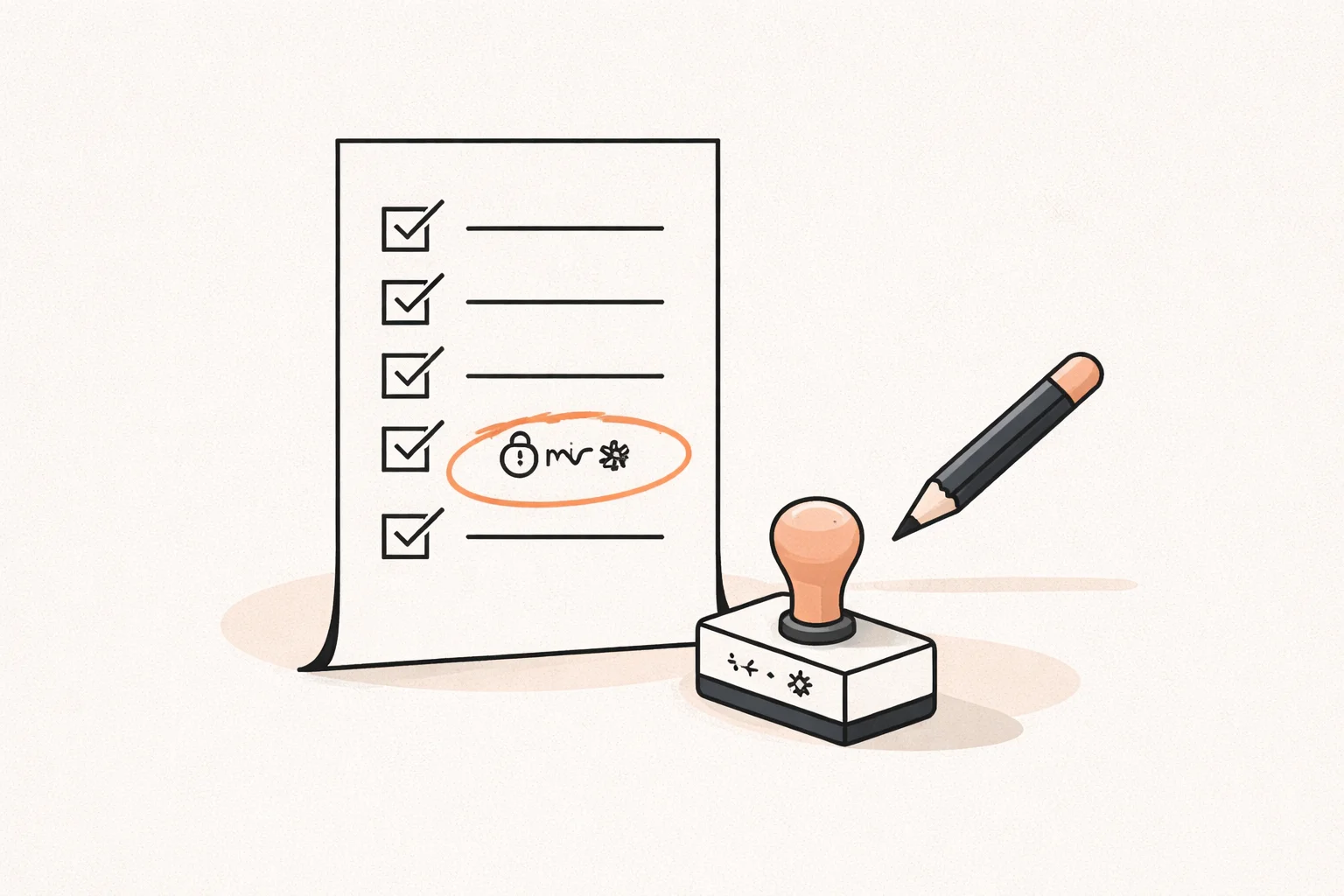
Stripe Webhook: How It Works in an AI-Built App
How a Stripe webhook works in an AI-built app from Lovable, Bolt or Base44: where it lives, signature checks, retries and duplicate-order protection.
On this page · 8 sections
- What is a Stripe webhook and why does my app need one?
- Why is the success page not proof of payment?
- Where should the webhook endpoint live in an AI-built app?
- How do I set up a Stripe webhook endpoint URL?
- What happens if the webhook fails or arrives twice?
- How do I stop duplicate orders?
- Can a security scanner catch webhook bugs?
- Want a second opinion on your payment flow?
Key takeaways
- The webhook, not the success page, should decide whether an order is paid.
- The endpoint must run on a server you control, never in browser code.
- Always verify the signature and treat every event as possibly late, missing or duplicated.
- Store the Stripe event ID and the checkout session ID so an order is only fulfilled once.
- Security scanners do not understand this logic; you need to test the payment path itself.
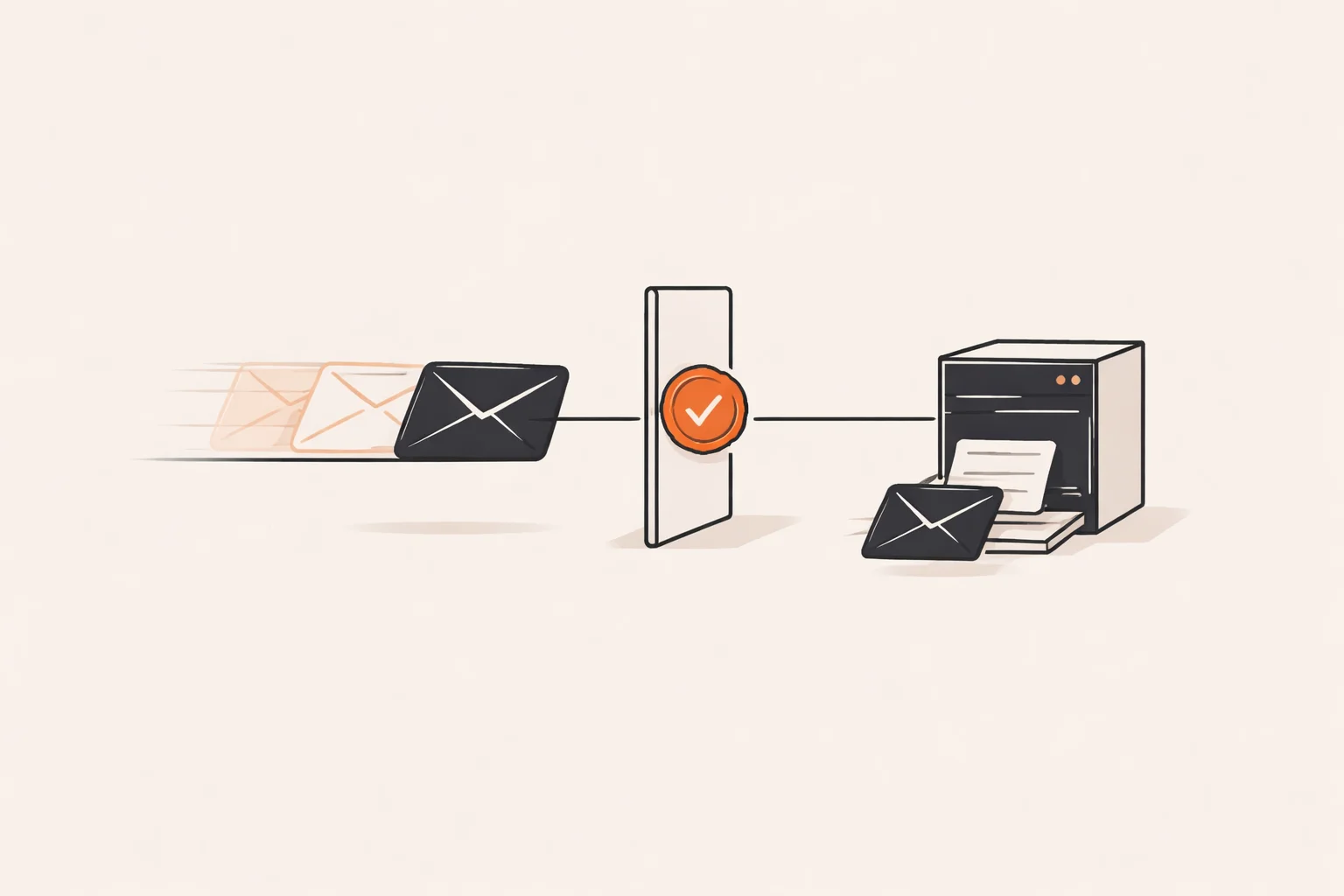
A Stripe webhook is an HTTP request that Stripe sends to your server when something happens to a payment: a charge succeeds, a subscription renews, a refund is issued. It is the only reliable way for your backend to learn the real outcome of a payment, because it comes from Stripe directly and not from the customer’s browser.
In apps built with AI tools such as Lovable, Bolt or Base44, the webhook is, in the apps I have seen, sometimes missing, misplaced or unverified. I am a Brazilian senior engineer who has worked on checkout flows, including on the cart and checkout team at Total Wine & More, and this is one of the first places I look.
What is a Stripe webhook and why does my app need one?
Stripe processes payments on its own servers. Your app only finds out what happened if Stripe tells it. A webhook is a URL on your backend that Stripe calls with a JSON event describing what happened, such as checkout.session.completed or invoice.paid.
Your handler reads the event, checks it is genuine, and then updates your database: mark the order paid, grant access, send the receipt. Without it, your app is guessing.
Payments also change after the first moment. Cards get disputed, subscriptions fail to renew, refunds happen from the Stripe dashboard. Only webhooks keep your records in line with those later changes.
Why is the success page not proof of payment?
After checkout, Stripe redirects the customer to a success URL on your site. Some AI-generated apps treat reaching that page as proof of payment and unlock the product there. That is risky for three reasons:
- Anyone can type the success URL into a browser without paying.
- A customer may close the tab before the redirect, so a paid order never gets recorded.
- Some payment methods confirm later, so the redirect arrives before the money does.
The success page is for the user experience: show a thank-you message. The decision that an order is paid should come from a verified webhook event, or from your server asking Stripe directly for the session status.
In my experience, the builder’s output can look right in a demo. The test passes because you paid yourself. The bug only appears when someone behaves differently.
Where should the webhook endpoint live in an AI-built app?
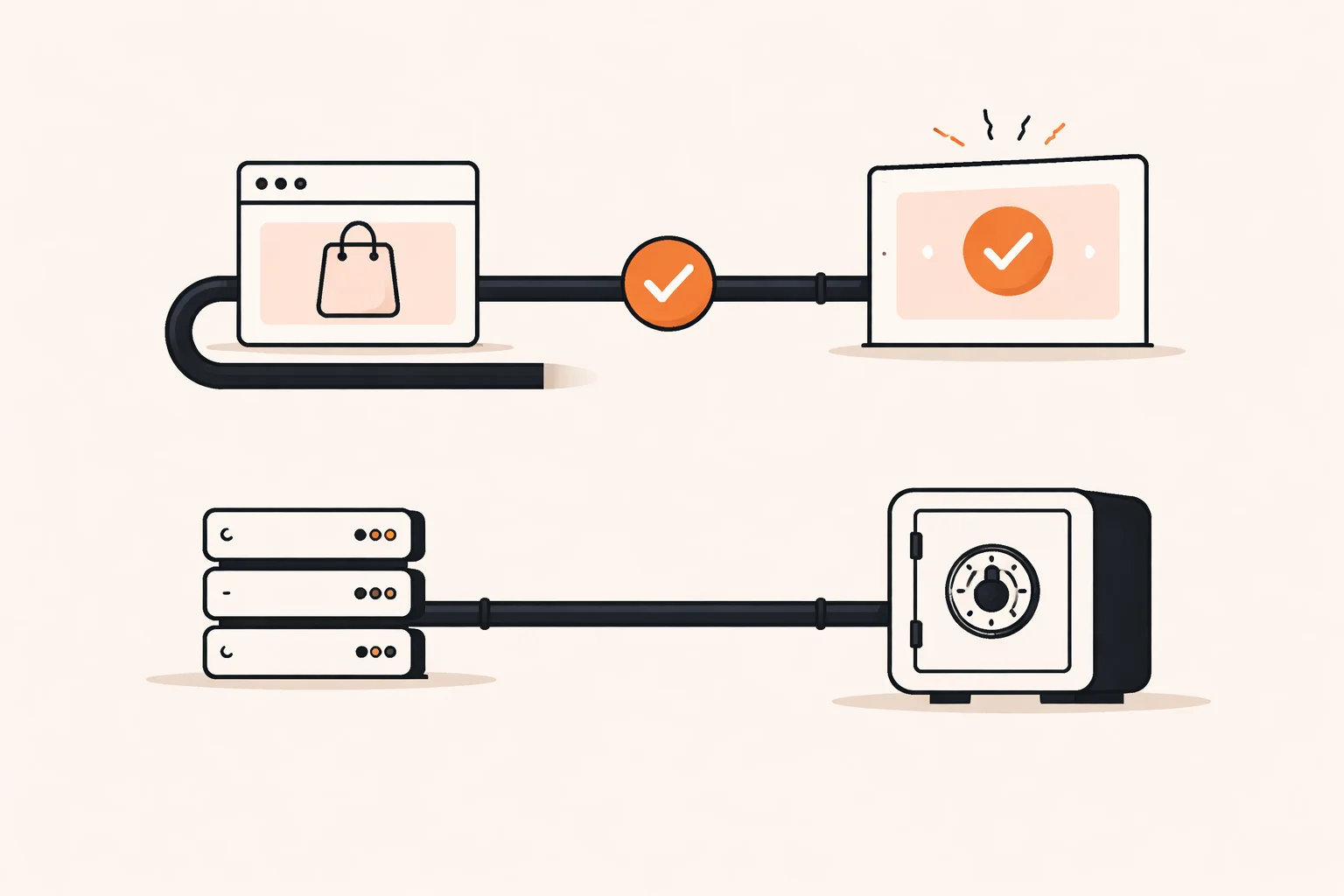
It must live on a server, because it needs your Stripe secret key and webhook signing secret. Neither may ever reach the browser. Where that server is depends on your stack:
- Supabase: an Edge Function is the usual place. Apps built with Lovable often use Supabase, so this is a common fit.
- Next.js: a route handler in your app, deployed on your own hosting.
- A separate backend: for example NestJS or Go, if you moved the code off the builder.
Two details trip people up. First, the endpoint is called by Stripe, not by a logged-in user, so it will not carry your normal auth token. You protect it with signature verification instead. Second, signature checking needs the raw request body. If a framework parses the JSON first, verification fails, and generated code sometimes “fixes” that by removing verification altogether. Do not accept that fix.
The data rules matter too. The handler usually writes with a privileged key, so it should be the only place that does so, and that key must stay in server environment variables. This is the owner’s responsibility, not the platform’s.
How do I set up a Stripe webhook endpoint URL?
The setup is short once the endpoint exists:
- Deploy the handler and note its public HTTPS URL.
- In the Stripe dashboard, open the developers section, then webhooks, and add an endpoint with that URL.
- Select only the events your app handles. Start small, for example completed checkout sessions, and add more deliberately.
- Copy the signing secret Stripe shows for that endpoint and save it as a server environment variable.
- In the handler, verify the signature with Stripe’s library before reading anything else.
- Return a 2xx response quickly once the event is safely recorded.
Test mode and live mode have separate endpoints and separate signing secrets. A common launch bug is deploying with the test secret still configured, so every real event is rejected. Check this before you go live.
Do slow work, such as sending emails, after you respond or in a queue. If your handler takes too long, Stripe treats it as a failure and retries.
What happens if the webhook fails or arrives twice?
Stripe retries failed deliveries for a period of time, with increasing gaps, according to its documentation. So a temporary outage on your side is usually recoverable, if your endpoint is built to handle it. Check Stripe’s current docs for the exact retry window.
Retries also mean the same event can reach you more than once. Events can arrive out of order as well: an update may appear before the creation event you expected.
Plan for these cases:
- Endpoint down: Stripe retries, and you can resend events from the dashboard once you fix the bug.
- Handler throws an error: return a non-2xx status so Stripe retries, but make sure partial work is not left half done.
- Duplicate delivery: detect it and do nothing the second time.
- Out-of-order events: rely on the object’s current state from Stripe, not on the arrival sequence.
Add a reconciliation habit too. A scheduled job or a manual check that compares recent Stripe payments with your orders will catch events that were lost for good.

How do I stop duplicate orders?
The technique is called idempotency: processing the same input twice has the same result as processing it once. In practice:
- Create a table of processed Stripe event IDs with a unique constraint.
- When an event arrives, try to insert its ID. If the insert fails because it exists, return 200 and stop.
- Also store the checkout session or payment intent ID on the order, with its own unique constraint, so two different events about the same payment cannot create two orders.
- Do the insert and the order update in one database transaction.
The unique constraint matters more than an “if exists” check in code. Two deliveries can arrive at nearly the same moment, both pass the check, and both create an order. The database is the only place that can reliably say no.
Double orders also come from the browser side: a customer who refreshes the success page, or an app that creates an order before payment and again after it. Keep one order record, created once, and let the webhook move it to paid.
Can a security scanner catch webhook bugs?
Mostly not. A generic scanner can find an exposed key or an open port. It does not know that your success page unlocks content, that your handler skips signature checks for convenience, or that two events create two orders. Those are business logic problems, and they live in how your payment path is designed.
Asking the AI builder to review its own work has a similar limit. In my experience, data rules, keys and payment paths are exactly what these tools tend to get wrong, and a confident “fixed” message is not evidence.
Before real users arrive, four checks cover most of the risk: data access rules, exposed keys, payment confirmation and backups. The webhook is the payment confirmation check. To test it, run a real test-mode purchase, then try to break it: replay the event, send one with a bad signature, stop the endpoint and resend, and visit the success URL without paying. Each should end safely.
Want a second opinion on your payment flow?
If your AI-built app takes payments and you are unsure the webhook is right, email me@filipeeduardo.dev with the setup, and I’ll tell you what I’d check first.
Frequently asked questions
Do I need a webhook if I use Stripe Checkout or Payment Links?
Yes, if your app must react to payments, such as granting access or recording orders. The hosted page takes the payment, but only a webhook reliably tells your backend about it.
Can I put the webhook handler in my frontend code?
No. It needs secret keys and must be reachable by Stripe’s servers. Use a server function or backend route.
Should I return an error if I get an event I do not handle?
Generally return 200 for unhandled but valid events, so Stripe does not keep retrying them. Better yet, subscribe only to events you use.
Is the webhook enough, or should I also check with Stripe’s API?
The verified event is usually enough. For high-value actions, fetching the object from Stripe before fulfilling adds a cheap extra safety check.
Is this legal or tax advice?
No. It covers technical practice only. For payment compliance, refunds or tax handling, talk to a lawyer or accountant.