Vibe Coding Security: The Risks AI Tools Leave Behind
Vibe coding security explained: the four checks that cover most risk in AI-built apps (data rules, exposed keys, payments, backups) and how to test them yourself.
On this page · 7 sections
- What are the most common security risks in vibe-coded apps?
- Why do AI tools get data rules wrong?
- How do secret keys end up in the browser?
- What public incidents have affected AI app builders?
- What is the builder responsible for, and what are you responsible for?
- Can I ask the AI to fix its own security bugs?
- Want a second opinion on your app?
Key takeaways
- Most of the risk sits in four places: data access rules, exposed keys, payment confirmation and backups.
- Apps built with Lovable have shown a pattern of weak Supabase row-level security (RLS) rules.
- Anything shipped to the browser is public, including keys placed there by generated code.
- The builder secures its platform; you are responsible for who can read which data in your app.
- Asking the AI to fix its own bugs helps with some issues but is unreliable for data rules, keys and payment paths.
- Fix the existing code first; a rewrite is rarely the first move.
Vibe coding security is mostly about a small set of repeatable gaps that AI tools leave behind: weak rules about who can read which data, secret keys that end up in the browser, and payment logic that trusts the wrong signal. The app usually works in a demo, which is exactly why these gaps go unnoticed.
I am a senior engineer, and I treat AI-generated code as a first draft. A draft can be good, but someone who understands the risks has to read it before real users and payments arrive. This article covers what I look for first, and what you can check yourself.
What are the most common security risks in vibe-coded apps?
In the AI-built apps I look at, the same kinds of issues tend to repeat. They are not exotic; they are the basics that a demo never exercises.
- Weak data access rules. Any logged-in user, or even an anonymous visitor, can read or edit rows that belong to other people.
- Secrets in the browser. API keys or service credentials bundled into frontend code.
- Payments trusted from the client. The app marks an order as paid because the browser said so, not because the payment provider confirmed it.
- Missing backups. Nobody has tested restoring the database.
- No limits. No rate limiting, no input validation on the server, no checks on file uploads.
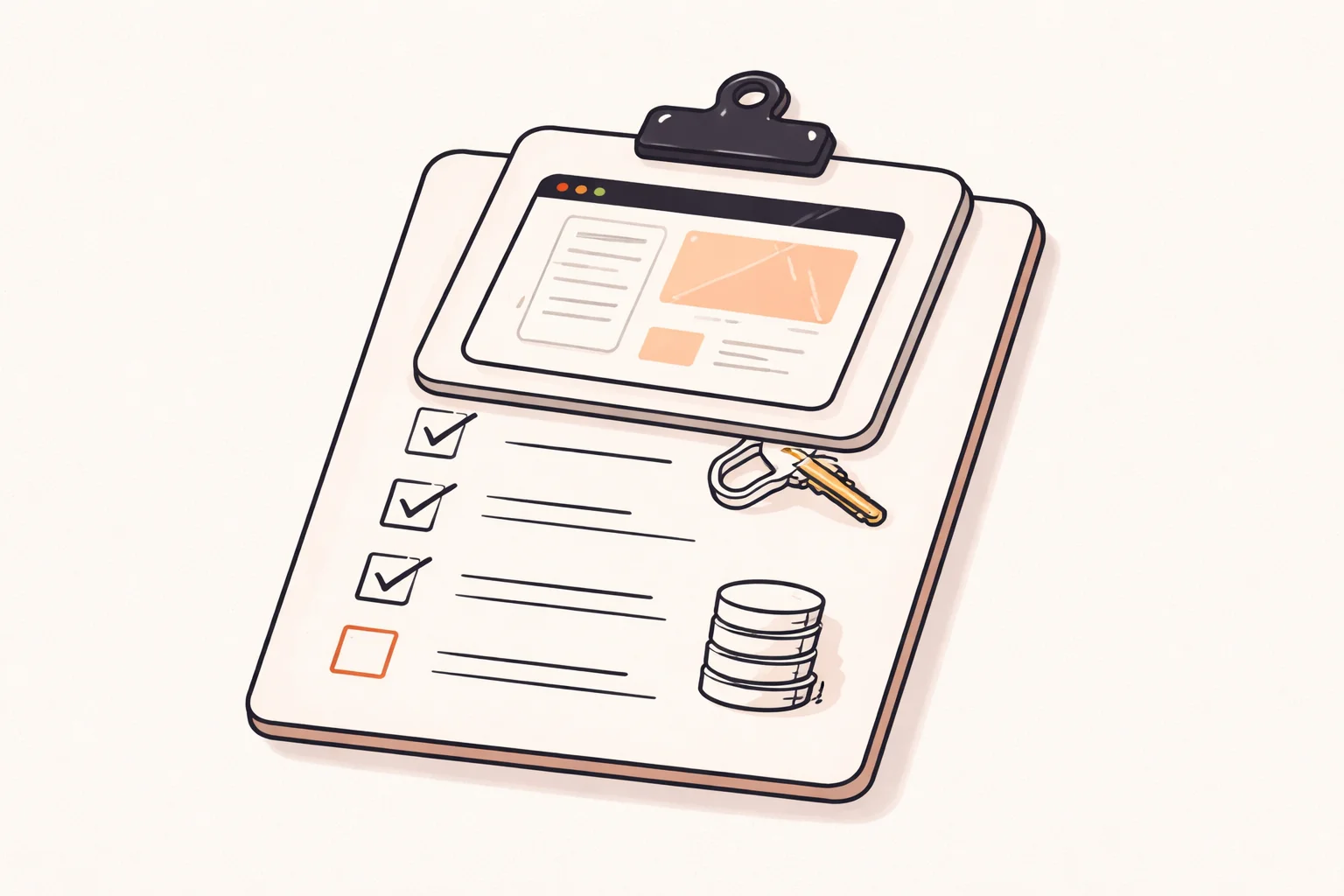
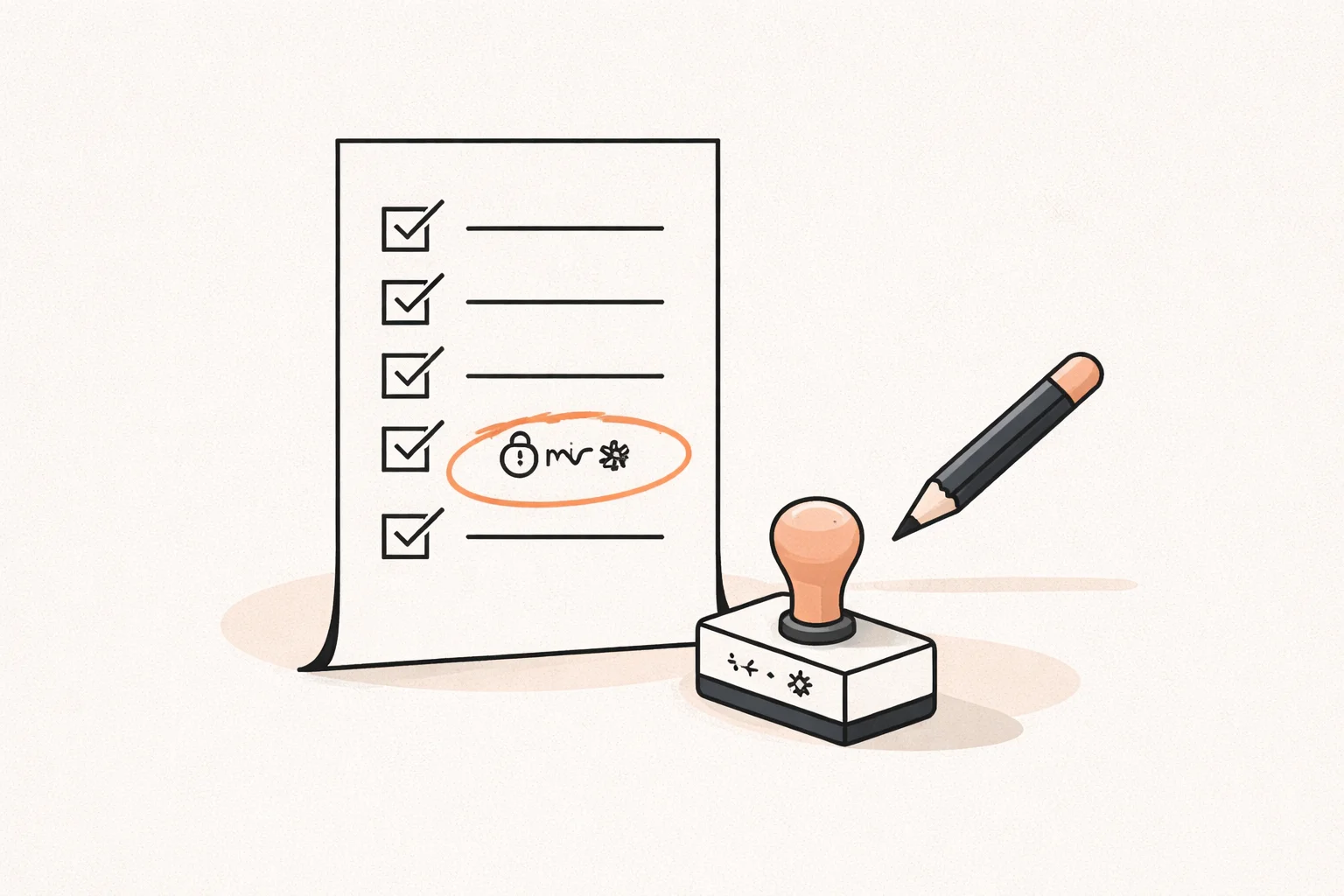
Four checks cover most of the risk before real users: data access rules, exposed keys, payment confirmation and backups. You do not need a full audit to find the worst problems. A few focused checks do it, and fixing things is cheaper before real users and payments arrive.
Why do AI tools get data rules wrong?
An AI builder optimizes for a feature that works when you click through it. If you ask for a page that lists a user’s invoices, it makes the page work. Whether the database refuses to return someone else’s invoices is a separate question, and nobody asked it.
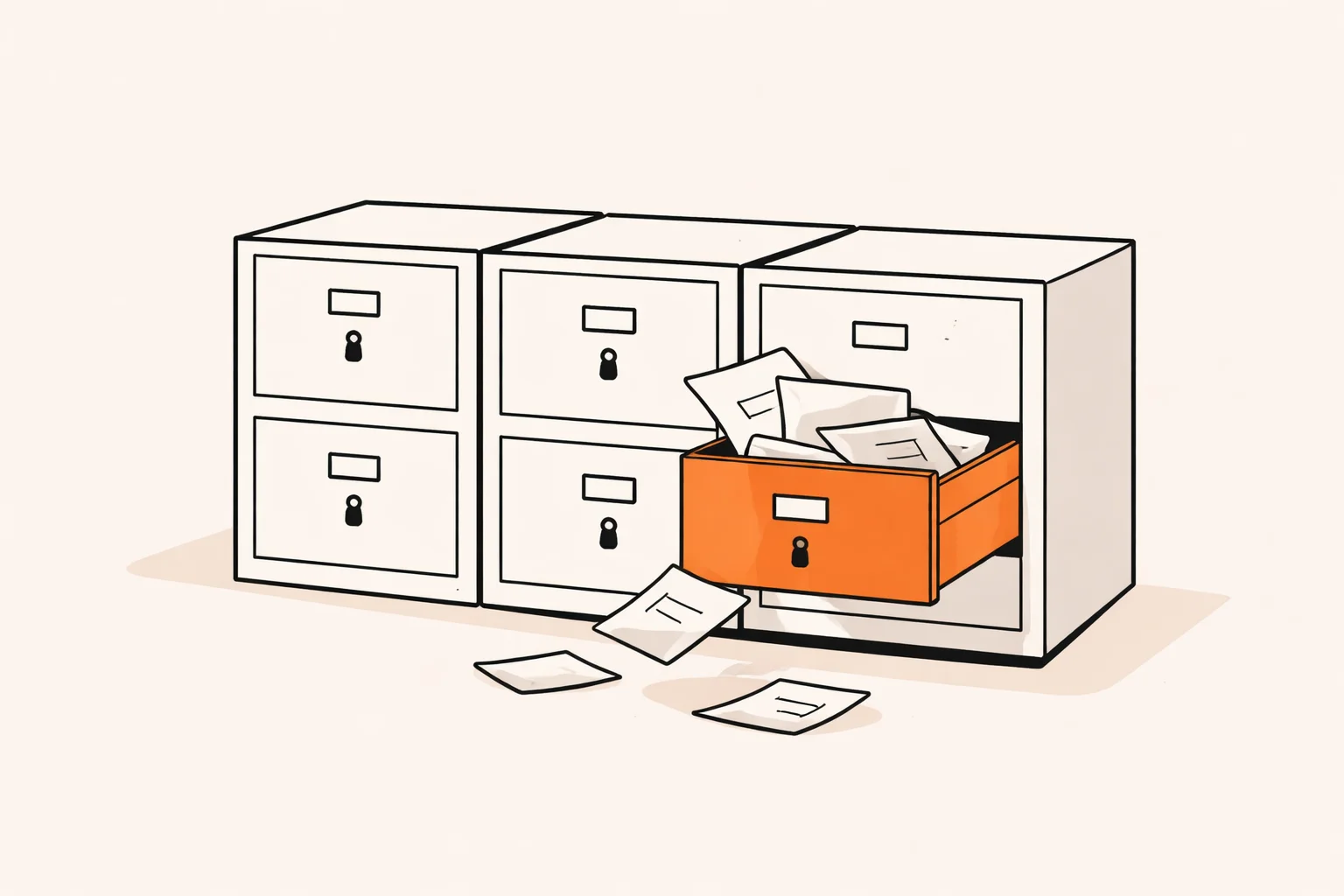
With Supabase, that refusal is row-level security. If RLS is off, or a policy says something like “allow all authenticated users to read,” the frontend can still look correct while the data is open. Apps built with Lovable have shown a pattern of weak RLS rules, so this is the first thing I check.
A quick self-check
- Create two test accounts.
- As account A, create some data.
- As account B, try to fetch account A’s rows, using the browser dev tools or the API directly, not the app’s interface.
- Repeat while logged out.
If account B or an anonymous visitor sees anything, your rules are wrong. Also look for tables with RLS disabled and policies that always evaluate to true. Hiding a button in the interface is not a rule; the database must enforce it.
How do secret keys end up in the browser?
Generated apps often call third-party services straight from the frontend because it is the shortest path to a working feature. The model needs a key to make the call, so the key goes into the client code or an environment variable that the build tool bundles into the page.
Anything that reaches the browser is public. Anyone can open dev tools, search the loaded JavaScript and copy the key. Some keys are designed to be public, such as a Supabase anon key, and are safe only if your data rules are strong. Others are not: payment secret keys, service-role keys, email provider keys, and AI provider keys that bill per request.
What to check
- Search your repository and deployed JavaScript for strings that look like keys.
- Check any variable with a public prefix; those are shipped to the client by design.
- Look at your Git history, since a key removed today may still sit in an old commit.
- Rotate any secret that was ever exposed. Deleting it from the code is not enough.
The fix is to move calls that need secrets to a server function or backend, and let the browser call that instead.
What public incidents have affected AI app builders?
In July 2025, Wiz researchers found that Base44, the AI app builder owned by Wix, let an attacker register on apps meant to be private using only the app’s ID. It was fixed within a day. The lesson is not that one tool is uniquely bad; it is that the builder’s own authentication layer is part of your app’s security, and that private apps depend on it.
The Lovable and Supabase pattern is different. It is less a single incident and more a recurring configuration weakness in generated apps, where RLS rules are missing or too permissive. I am sticking to what has been publicly documented, and I would not draw wider conclusions from it.
Both cases show the same thing: a prompt-built app can look finished while the access layer underneath is open.
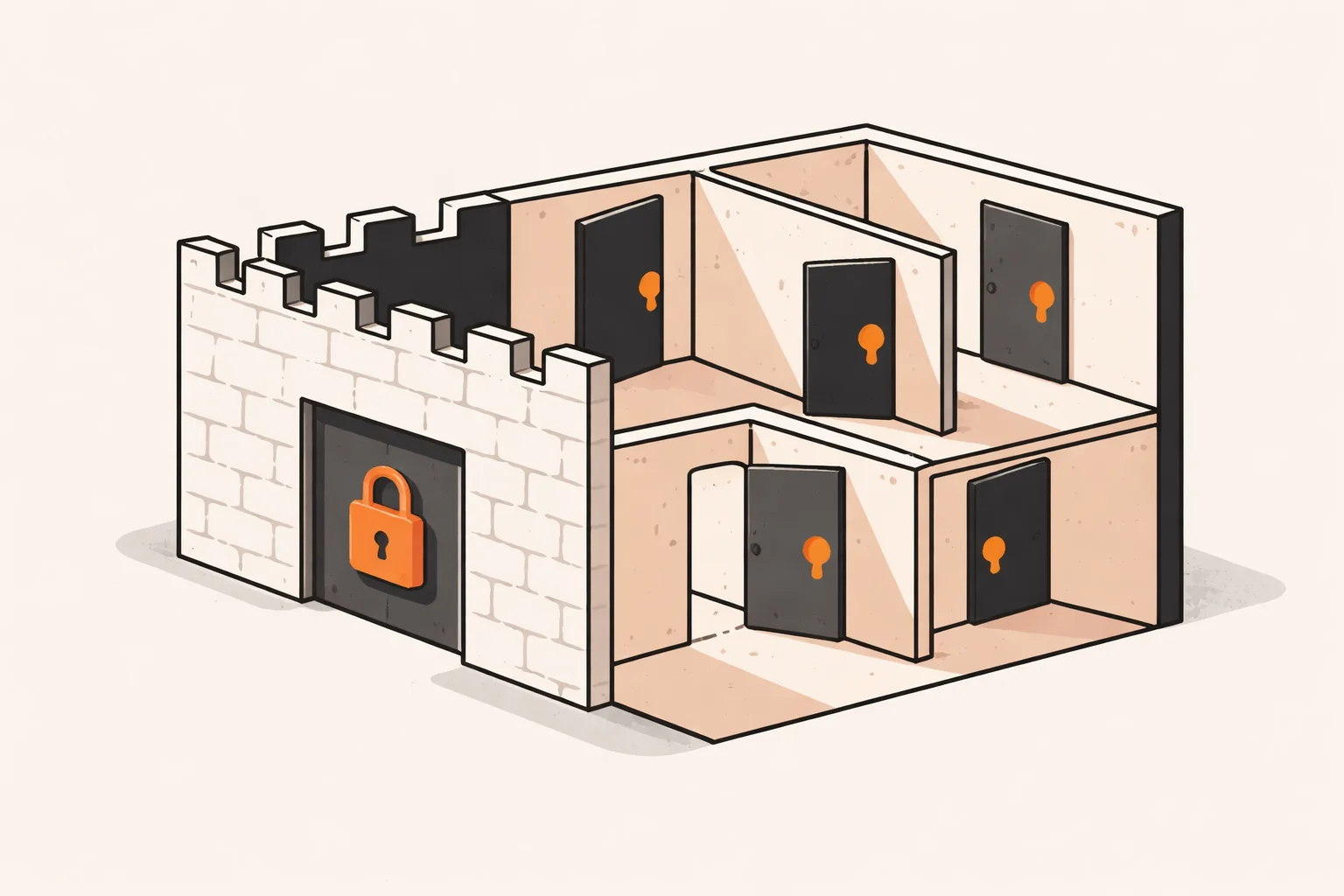
What is the builder responsible for, and what are you responsible for?
Security is a shared responsibility. The builder secures its infrastructure and accounts. You, as the app owner, are responsible for who can read which data and for your users’ data.
| Area | Builder | You |
|---|---|---|
| Servers, hosting, platform login | Yes | Choose strong account security |
| Row-level security rules | Provides the feature | Write and test the rules |
| Keys in your frontend | No | Yes |
| Payment confirmation logic | No | Yes |
| Backups and restore tests | Check what your plan includes | Verify them |
Staying on the builder is sometimes the better call, especially for an internal tool or early validation with little sensitive data. If you do outgrow it, code built in Lovable can be moved to GitHub and your own hosting. Moving does not fix anything by itself, though; the same rules and keys come with it.
Can I ask the AI to fix its own security bugs?
Partly. It is useful for clear, local issues: adding input validation, tightening a policy you describe precisely, or moving a call into a server function. But the data rules, keys and payment paths are what the tools tend to get wrong, and the same blind spot that created the bug often hides it from the review.
Two problems stand out. First, the AI will often say a fix is done without proving it. Second, it cannot know your business rules, such as who should see an invoice or what happens when a payment webhook arrives twice or out of order. Generic security scanners miss this too, because duplicate orders and unverified Stripe webhooks are business logic, not known vulnerability patterns.
My approach: test with the two-account check above, have a human read the policies and payment code, and fix the highest-risk issues in the existing code before even considering a rewrite. Use the AI as an assistant for the edits, not as the judge of whether they worked.
Want a second opinion on your app?
If you built something with an AI tool and want to compare notes, email me@filipeeduardo.dev with the link and I’ll tell you what I’d check first. This is general guidance, not a security guarantee.
Frequently asked questions
Is vibe coding secure enough for production?
It can be, after review. Treat the generated app as a first draft and check data rules, keys, payments and backups before real users arrive.
Do I need a full security audit?
Usually the first step is a few focused checks, not a full audit. A broader audit makes sense once you handle sensitive data or significant payments.
Is a Supabase anon key in my frontend a problem?
Not by itself, since it is meant to be public. It is only safe when your RLS rules are correct. A service-role key in the browser is a serious problem.
Should I rewrite the app from scratch?
Rarely as a first move. Fix the highest-risk issues in the existing code, then decide based on what you find.
Does moving off the builder make the app safer?
No, not on its own. It gives you control over hosting and code, but the data rules and keys still need to be fixed.