No Code AI App Builder: When to Stay and When to Leave
Should you stay on a no code AI app builder like Lovable, Bolt or Base44, or move to GitHub and your own hosting? Signs, checks and a staged plan.
On this page · 7 sections
- What can a no code AI app builder handle well?
- When is staying on the builder the better call?
- What signs show you have outgrown it?
- What does it take to move the code to GitHub and your own hosting?
- What does moving off the builder cost in time and risk?
- Can you move part of the app and keep the rest on the builder?
- Want a second opinion?
Key takeaways
- Staying on the builder is sometimes the better call, especially for prototypes, internal tools and low-risk apps.
- Leaving is about control and risk, not about the tool being bad.
- Code built in Lovable can be moved to GitHub and your own hosting, so the exit door exists.
- Four checks cover most risk before real users: data access rules, exposed keys, payment confirmation and backups.
- You can often move in stages instead of all at once.
- Fix the highest-risk issues in the existing code before considering a rewrite.
A no code AI app builder such as Lovable, Bolt or Base44 is a good place to stay while your app is a prototype, an internal tool or a small product with simple rules. You should leave, or at least move the code, when you need control over data rules, payments, performance, hosting or the people who can change the code.
I am a Brazilian engineer and I have no stake in which tool you use. What follows is how I would decide, based on my experience as an engineer, including a live platform migration. Treat AI-generated code as a first draft: fix what exists before you think about a rewrite.
What can a no code AI app builder handle well?
These tools are strong at getting from an idea to something clickable in hours. They produce screens, forms, basic database tables and simple login flows quickly. For founders validating demand, that speed is worth a lot.
They work well for:
- Prototypes and demos for investors or early customers.
- Internal dashboards used by a handful of trusted people.
- Landing pages with a simple sign-up or waitlist.
- Small tools where a mistake costs little and data is not sensitive.
Where they tend to be weaker is in the parts that need judgment: who can read which row, which keys are safe in the browser, how a payment is confirmed, and what happens under real traffic. Those are the areas where the tools tend to get things wrong.
When is staying on the builder the better call?
Staying is the better call more often than engineers like to admit. A move costs time, and time spent migrating is time not spent learning from users.
I would stay when:
- You have not yet proven anyone wants the product.
- The app holds little personal data and takes no payments.
- One non-technical person edits it and that workflow works for them.
- The platform handles hosting, and you have no one who would maintain servers.
- The four core checks pass: your data rules are correct, no secret keys are in the browser, payments are confirmed on the server, and backups exist.
Remember the shared responsibility split. The builder secures its infrastructure and accounts. You are responsible for who can read which data, for keys in the browser, for payment confirmation and for backups. That responsibility does not move away if you leave, and it does not disappear if you stay.
A public example: in July 2025, Wiz researchers found that Base44, owned by Wix, let an attacker register on apps meant to be private using only the app’s ID. It was fixed within a day. That shows the platform side being handled quickly. It also shows why you should know what your own app exposes.
What signs show you have outgrown it?
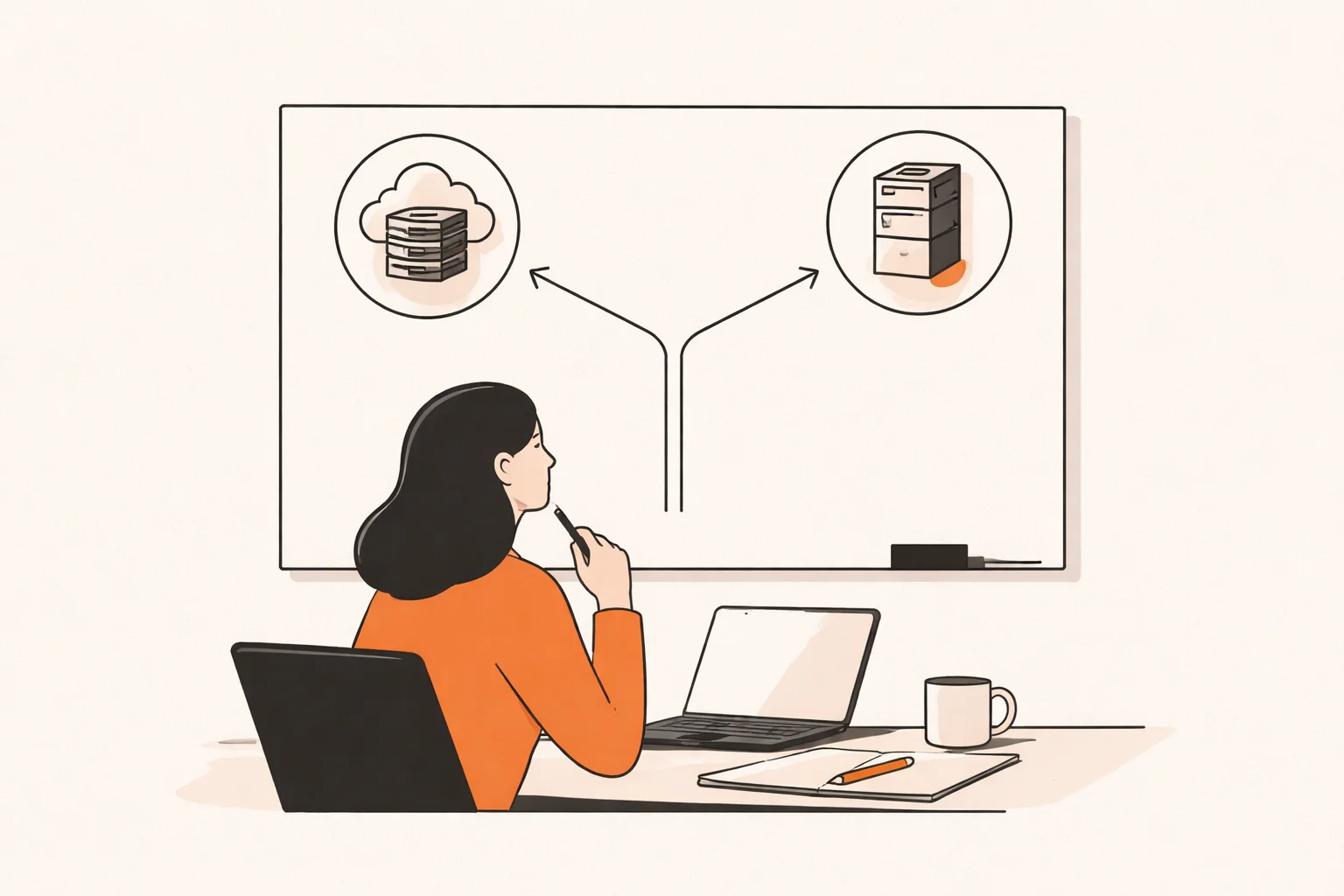
These are the signals I look for. One alone is rarely enough. Two or three together usually mean it is time to plan a move.
- Real users and real money. You take payments, or store data people would be upset to see leaked.
- Rules you cannot express. You need access logic the builder keeps getting wrong, such as row-level security in Supabase. Apps built with Lovable have shown a pattern of weak RLS rules.
- Fix loops. Each prompt to fix one bug breaks another feature.
- Slow under traffic. Pages or queries lag once more than a few people use the app.
- Engineers cannot work in it. A developer you hire wants normal pull requests, code review, staging and tests.
- Compliance or customer questions. Buyers ask where data lives and who can access it.
Asking the AI builder to fix these is tempting, but data rules, keys and payment paths are exactly what the tools tend to get wrong. A generic scanner also misses business logic such as Stripe webhooks and duplicate orders, so a human review of those paths matters.
What does it take to move the code to GitHub and your own hosting?
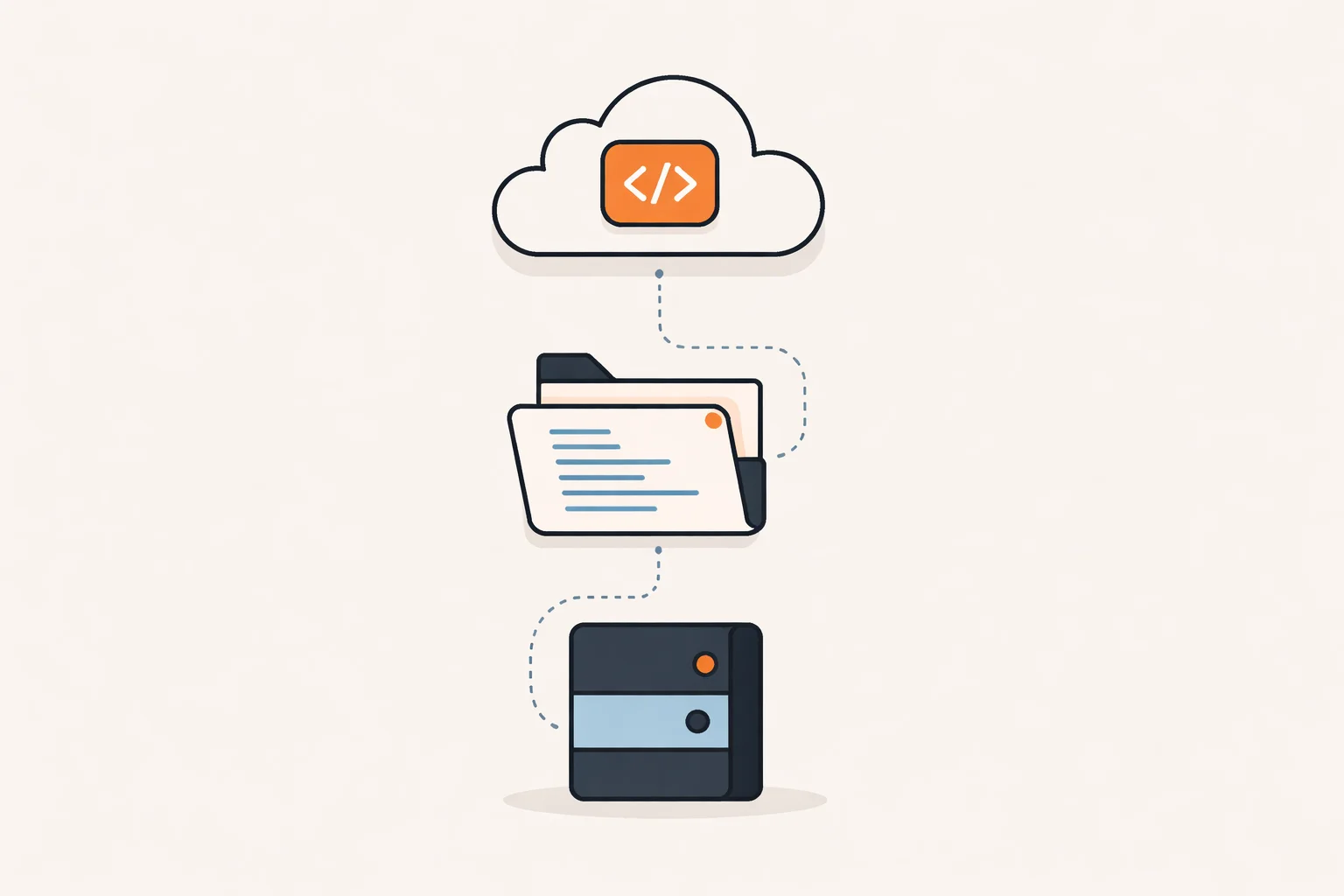
Code built in Lovable can be moved to GitHub and your own hosting. The general steps are similar for other builders, though export options differ, so check what yours supports.
- Connect or export the repository. Get the full code into GitHub under an account your company owns.
- Inventory everything outside the code. List the database, auth settings, storage buckets, environment variables, email provider and third-party webhooks.
- Rotate secrets. Assume any key that lived in the browser or in chat history is exposed, and replace it.
- Set up hosting and a pipeline. Deploy to a host you control, with separate staging and production environments.
- Review data rules. Test the access policies by trying to read other users’ data.
- Verify payments. Confirm orders from signed server-side events, not from the browser redirect.
- Back up and test a restore. A backup you never restored is a guess.
- Cut over. Switch DNS or traffic when staging behaves like production.
The database is often the hardest part. If you use Supabase, you may keep it as your backend while moving only the frontend, which cuts risk a lot.
What does moving off the builder cost in time and risk?
I will not invent a price, because it depends on app size, data volume and how messy the generated code is. What I can say is how the cost tends to behave.
- Most of the risk is found by a few focused checks rather than a full audit.
- The cost of fixing grows after real users and payments arrive, because every change now touches live data.
- A rewrite costs more than fixing the highest-risk parts of the existing code, so start with the fixes.
I led the full migration of a live automatic job-application platform from a legacy stack to a new one while users kept using it. The lesson I took from it: the code is rarely the hard part. The hard part is moving data, keeping behavior identical and having a way back if something goes wrong. Plan for parallel running, test with real-looking data and keep the old system until the new one has proven itself. I cannot promise a fixed timeline for your app, since that depends on what you find in the inventory.
| Option | Time | Main risk |
|---|---|---|
| Stay and fix the four checks | Short | Still tied to the builder’s limits |
| Move frontend only | Moderate | Split setup to maintain |
| Full move to own hosting | Longest | Data migration and cutover errors |
These are my rules of thumb, not measured figures.
Can you move part of the app and keep the rest on the builder?
Yes, and it is often the sensible middle path. You do not need to choose between all or nothing.
Common splits I would consider:
- Move payments first. Put Stripe handling in a small server you control, and leave screens on the builder.
- Keep Supabase, move the frontend. Your data stays where it is while the interface lives in GitHub and your hosting.
- Move heavy jobs out. Run slow tasks or scheduled work in a separate service.
- Keep the admin panel. Internal tools can stay on the builder long after the public app moves.
The trade-off is complexity. Two systems mean two places to monitor and secure. Write down who owns each piece, so nothing falls between them.
Want a second opinion?
If you are deciding whether to stay or move, email me@filipeeduardo.dev with the link and a short description, and I’ll tell you what I’d check first.
Frequently asked questions
Is a no code AI app builder safe for a production app?
It can be, if you check data access rules, exposed keys, payment confirmation and backups yourself. The platform secures its infrastructure; the app’s behavior is your responsibility.
Do I need a full rewrite to leave?
Usually not. Fix the highest-risk issues in the existing code first, then move it. Rewrite only if the code cannot be understood or changed safely.
Can I keep my Lovable app if I move to GitHub?
Yes. Code built in Lovable can be moved to GitHub and your own hosting. You still need to handle the database, secrets and environment settings separately.
Should I leave right after a platform security incident?
Not automatically. In the Base44 case, the issue was fixed within a day. Use incidents as a prompt to review your own app and decide based on your risk.